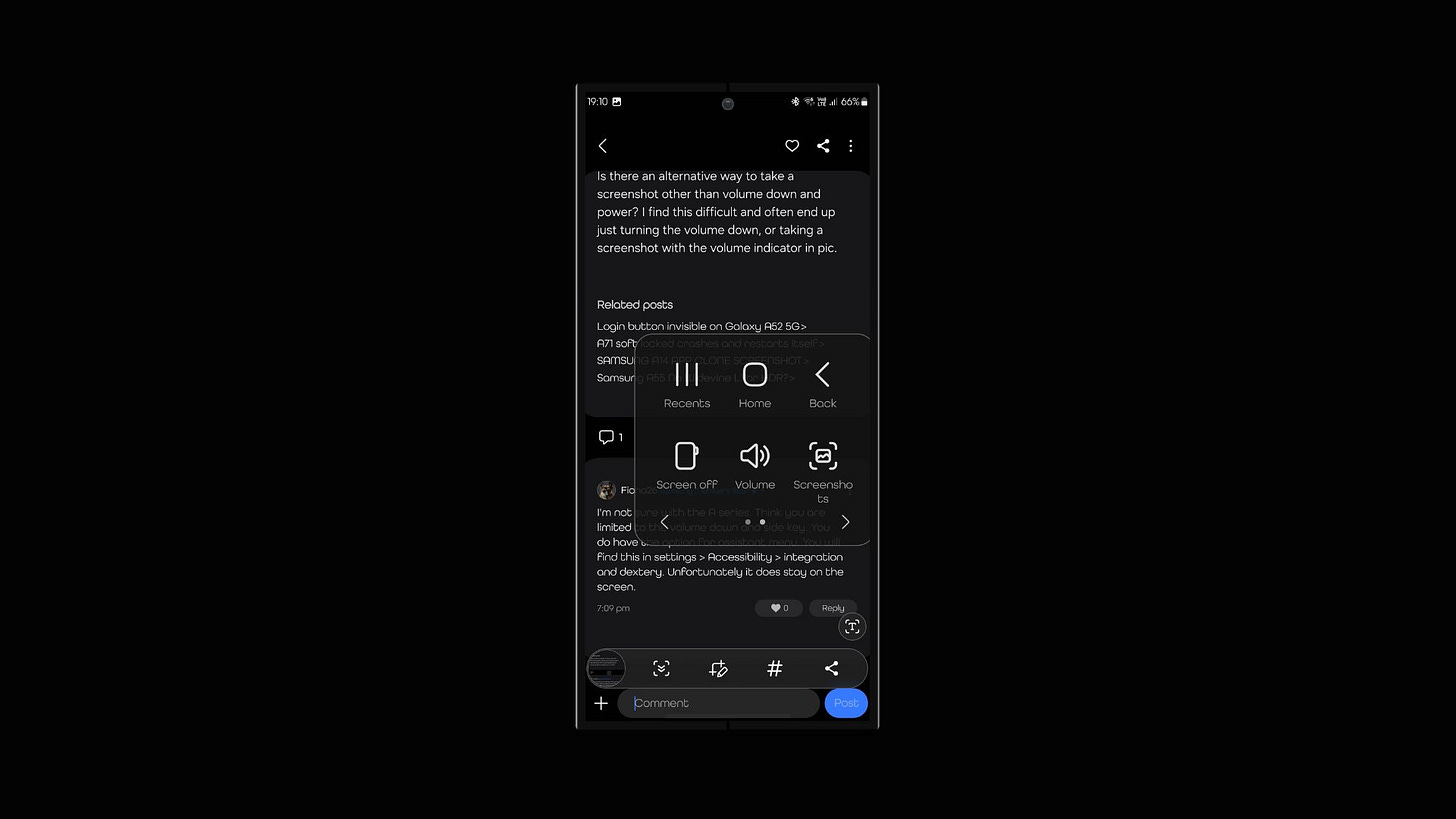
It’s Time for Screenshots To Get Smart
Think about how often we use screenshots. Whether it’s capturing a funny meme, a weird app error, or a layout for design inspiration, screenshots are part of daily digital life.
But here’s the catch: a screenshot only shows what was on your screen. It doesn’t tell you:
- What app was running
- What the user was doing
- What part of the app does the image represent
- How to recreate that screen or action
This becomes a huge issue in tech support, software testing, remote work, and even education. Let’s say a user sees a glitch and sends a screenshot to the support team. Without knowing the exact app state or user actions, it’s nearly impossible for the team to replicate the issue. Same goes for developers fixing bugs or teams collaborating on app design. Screenshots just don’t cut it.
But what if your screenshot could do more? That’s exactly the challenge a new technology is solving — and it could change the way we use screenshots forever.
The Solution: Smart Screenshots With Built-In Context
Now here comes the cool part: Samsung has found a way to take screenshots from static images to interactive experiences.
Whenever a user captures their screen, the system not only saves the image — it also stores valuable information behind the scenes:
- Which app(s) were open
- What was shown on screen and where
- What state the app was in — including settings, inputs, or ongoing actions
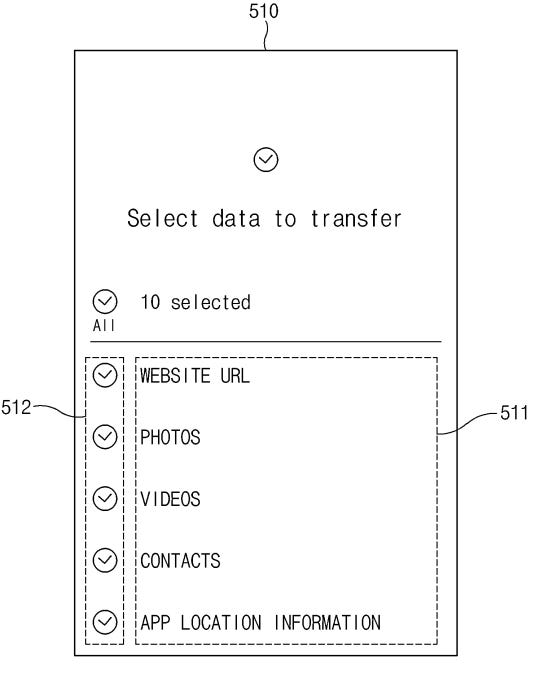
This means the screenshot becomes more than a picture — it’s like a “snapshot” of the full moment.
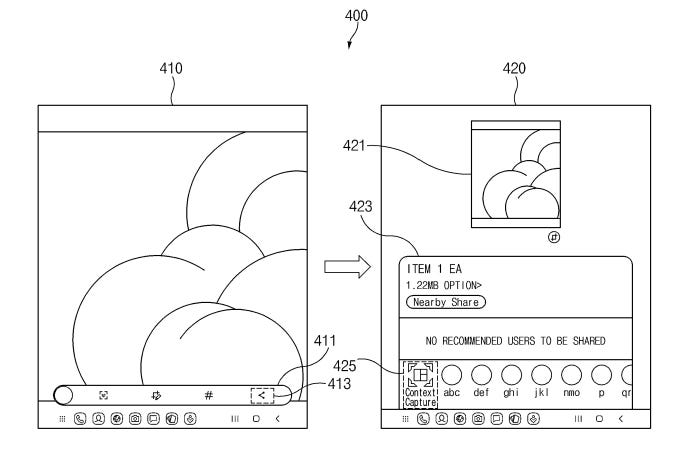
And here’s where it gets even more powerful: that screenshot + context bundle can be sent to another device. That second device can then open the same app, in the same place, doing the same thing.
It’s like handing someone a slice of your screen experience they can relive on their own.
Why It’s So Useful
For regular users, it makes communication so much easier. Imagine helping your less tech-savvy parent troubleshoot their phone. Now they can send a smart screenshot, and you can recreate exactly what they were seeing and doing.
For support teams, it’s a game changer. Instead of guessing what went wrong based on a blurry screenshot, they can see the app as it was — and solve the problem faster.
For developers and testers, it could dramatically reduce the time spent recreating bugs. They’ll know exactly what happened, what the user did, and what the app’s state was at that time.
Even teachers and trainers can benefit — sharing detailed app setups and walkthroughs becomes smoother and more accurate.
When can you expect this feature?
Since it is a patent application, it might take some time, but software features are implemented quickly than others, so we could see this feature on Samsung’s next major UI update.